
Known issues and fixes
The launch-week reports are legibility, camera behaviour, online lag and the Asian server question. Try native resolution and a wired connection first. Official bug reporting goes through bugs.akuparagames.com/airframe-ultra/bugs, which the 6 November announcement links directly.
Airframe Ultra launched three days ago and the Steam hub already has a consistent set of complaints. This page collects them and what to do about each. Everything here is a player report unless a line cites an official source.
The official bug channel is a pinned Steam thread and a dedicated tracker: https://bugs.akuparagames.com/airframe-ultra/bugs. The 6 November "Out Now" announcement links it directly, so it is the current route rather than a legacy page.
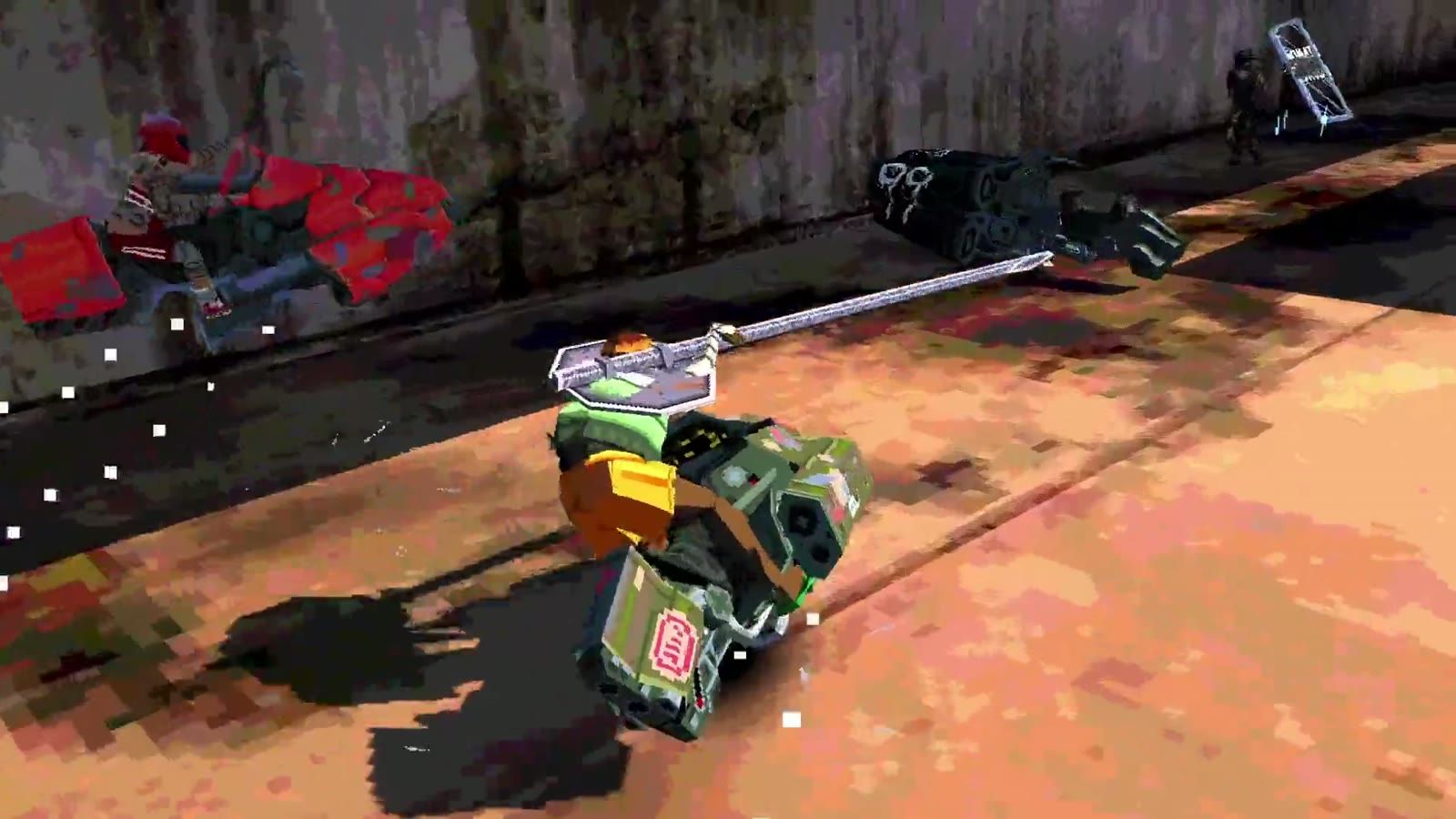
The reports, grouped
| Report | Thread (Steam hub, Nov 2026) | Frequency |
|---|---|---|
| Legibility / text unreadable | "unreadable" | Several replies, one thread |
| Camera behaviour | "Camera" | One thread, active |
| Online lag | "please fix the lag omg" | One thread, active |
| No Asian servers | "Asian servers (or better netcode)?" | One thread, active |
| UI does not explain systems | "Things the game UI/UX doesn't tell you" | Community knowledge thread |
| No single-player / bots / offline | Multiple threads | The dominant topic of the week |
Legibility: what "unreadable" is about
The thread title is a single word, which is how a lot of players feel about the HUD at speed. The likely causes, in the order worth checking:
- Resolution scaling. If the game renders at a non-native resolution, small HUD text gets resampled and softens.
- Distance to screen. A racer HUD designed for a desk is hard to read from a couch, which matters for a game whose first pillar is couch co-op.
- Visual noise. The game's own aesthetic — wobbling vertices, layered UI, bright effects — works against clean text.
| Try this | Why |
|---|---|
| Set the game to your monitor's native resolution | Non-native scaling is the most common cause |
| Turn off any post-processing the options expose | Effects sit on top of the HUD |
| Play split-screen on a bigger screen | Two viewports in one frame halves the pixels per player |
| Report it with your resolution | The tracker needs specifics to reproduce |
Camera
Camera complaints at speed are common in any racer, and the fix is usually sensitivity or distance rather than a patch.
| Symptom | First thing to try |
|---|---|
| Cannot see the corner coming | Increase camera distance if the game exposes it |
| Oversteering in corners | Lower look sensitivity |
| Camera clipping into geometry | Often a tight-track issue — report the track name |
| Motion sickness | Reduce effects; play in shorter sessions |
If the options do not expose camera distance, that is worth reporting as a feature request rather than a bug — and the controls page lists what the store's flags do and do not promise.
Lag
The "please fix the lag omg" thread and the "Asian servers" thread are the same problem from two directions. No official server region list has been published, so players in some regions cannot tell whether they are being served at all.
| What to check | How |
|---|---|
| Your own connection | Wired, not Wi-Fi, for a racer at this speed |
| Region of the lobby | Nothing in-game tells you, so note the time of day |
| Whether it is you or the lobby | If menus are smooth and the race is not, it is network |
| Whether split-screen is affected | Local play removes the network, so it isolates the cause |
The performance and servers page goes deeper on this, including the population figure that makes matchmaking quality variable.
The UI not explaining itself
The thread "Things the game UI/UX doesn't tell you" is the most useful community artifact of launch week, because it is players pooling information the game withholds. That is consistent with the Mastery Is Discovery pillar — the developers said in the 31 October devlog that "The game doesn't always hand you the answers."
| System the UI under-explains | Where to read about it |
|---|---|
| Airbrake | Airbrake and advanced tech |
| Stars and reputation | Stars and reputation |
| Circuit scoring across rounds | How a circuit works |
| Weapon economy in the arena | Weapons and combat |
The single-player argument
The largest cluster of threads is about modes, not bugs: no single-player, no offline, and (per player reports) no bots. That is a design decision rather than a fault, and the no single-player page treats it as such — including the developers' own statement that the game is "a multiplayer game first and foremost" and their policy of not announcing un-greenlit features.
How to write a bug report that gets acted on
The tracker at bugs.akuparagames.com/airframe-ultra/bugs takes structured reports. A useful one has five parts:
| Field | What to write |
|---|---|
| What happened | One sentence, specific: "camera clips through the wall in arena 2" |
| Where | Track or arena name, and which round |
| When | Date and time, with your timezone |
| Your setup | GPU, resolution, controller or keyboard |
| Reproduction | The shortest sequence that makes it happen again |
"Lag" alone cannot be fixed. "Rubber-banding in arena 2, EU evening, wired connection, 200 Mbps, both matches" can.
What the team has committed to
From the 31 October devlog: weekly bug triage, monthly balance patches, periodic content updates. That is the machine your report feeds into, and it is documented in full on the roadmap page.
No patch has been announced with a date. If a site tells you when the first patch lands, it is guessing.